

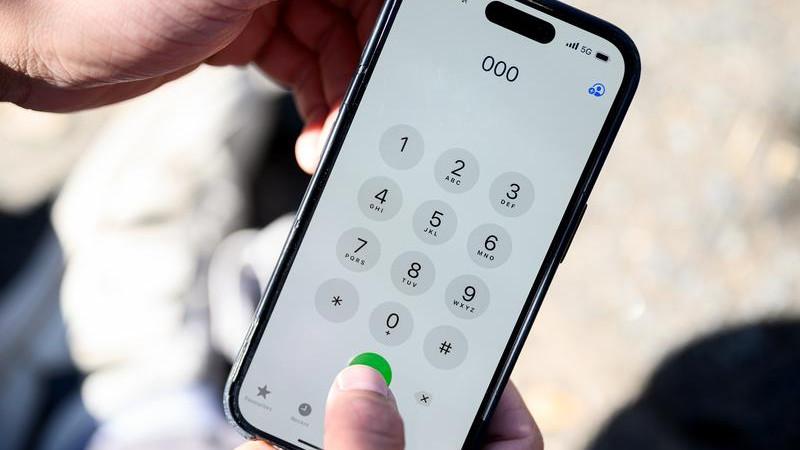
Nigerians can now check whether their phones are approved by the Nigerian Communications Commission (NCC) for use on local mobile networks by dialling *315# or visiting the Commission’s official Device Checker website.
The Commission said the initiative formed part of an enhanced Type Approval Compliance framework that took effect on October 7, 2026, aimed at protecting consumers, safeguarding telecommunications networks and ensuring that devices sold and used in Nigeria meet the required technical standards.
“Type Approval is not merely a regulatory requirement. It is a vital mechanism for protecting consumers, safeguarding network performance and preserving confidence in Nigeria’s digital economy,” the Director of Technical Standards and Network Integrity, Edoyemi Ogoh, said at a news conference on the Commission’s Technical Standards and Network Integrity initiatives in Abuja on Tuesday,
Meanwhile, if you are planning to buy a new or fairly used phone, here is how to check its status before paying for it:
How to check if your phone is approved by NCC
Follow these steps to verify your device:
*Step 1: Dial *315#
Open the phone’s dialler and enter *315# to access the NCC Device Checker service. Follow the instructions displayed on your screen.
Step 2: Visit the NCC Device Checker website
You can also visit the Commission’s official portal at www.ncc.gov.ng/devicechecker to access the verification service.
Step 3: Get the phone’s IMEI number if required
If you want to check a phone other than the one you are currently using, you may need its 15-digit International Mobile Equipment Identity (IMEI) number.
To find the number, dial *#06# on the phone. The IMEI should appear on the screen.
For a phone you intend to purchase, ask the seller to provide access to the device so you can obtain its IMEI and complete the check.
Step 4: Follow the verification prompts
Enter the required information and follow the instructions provided by the service to check the device’s status.
Step 5: Review the result before buying
Check the information returned by the service. If the device’s status is unclear or verification fails, seek clarification from the seller or the NCC before completing the purchase.
An unsuccessful verification does not automatically mean the phone is fake. It may require further checks to establish whether it meets the applicable requirements.
What should you do if your phone fails the NCC check?
If the service does not verify a device, do not immediately conclude that it is counterfeit.
Instead, take the following steps:
- Ask the seller to explain the verification result.
- Confirm that the IMEI entered is correct.
- Request supporting information about the device’s compliance status.
- Contact your mobile network provider or the NCC for assistance if the issue remains unresolved.
- If you have not paid for the phone, consider delaying the purchase until the verification issue is clarified.
The NCC has warned that devices found to be non-compliant with applicable requirements could be denied access to Nigerian
Do you need to verify a phone you already use?
According to the NCC, devices that were already connected to Nigerian mobile networks before the framework took effect were automatically verified and generally require no action from their users.
However, consumers buying second-hand phones or devices that have never connected to a Nigerian network should check their status before completing a purchase.
The framework covers smartphones, feature phones, cellular tablets, eligible Internet of Things devices, SIM-enabled point-of-sale terminals, cellular laptops and other equipment designed to connect to Nigerian mobile networks.
Will the NCC use the Device Checker to monitor your phone?
The Commission has said the system is designed for device identification and regulatory verification, not surveillance.
According to the NCC, the framework does not give the Commission access to users’ calls, messages, photographs, contacts, financial information or other personal files. It also said the Device Checker does not track users’ physical locations or movements.
The Commission has urged Nigerians to use only its official verification channels and warned consumers against fraudsters who may attempt to exploit the process. It advised users never to disclose one-time verification codes to sellers, callers or other individuals.
The post How to check if your phone is approved by NCC to avoid being blocked appeared first on Vanguard News.