


You saved a pin with a recipe, a makeup tutorial or an idea for the bedroom. Three weeks later you open it and all that’s left on screen is a grey box: the account deleted the video and your board is holding a dead link.
It happens all the time, because a board saves the address of the video, not the video. With images Pinterest at least lets you save them from the share menu; with videos that option never appears. Which is why so many people end up looking for a Pinterest video download that puts the file on their own phone, instead of trusting the pin to still be there tomorrow.
Why Some Pinterest Videos Come With a Logo On Them
There’s a mix-up here worth clearing up before you download anything.
Videos that someone uploads straight to Pinterest come out clean. No logo, no username spinning in the corner. If the video you’re looking at has a watermark, it almost certainly wasn’t born on Pinterest: somebody downloaded it from another network and re-uploaded it.
TikTok is the most common source, and that’s where the catch is. The mark is baked into the pixels of the file, so no Pinterest downloader is going to take it off for you. What does work is finding the original video on TikTok and downloading it from SSSTikTok, which gives you the file without the logo.
Still pins are a different story. A Pinterest image download never has this problem, since photos are served with nothing layered on top and come back at the size Pinterest has stored.
How a Pinterest Downloader Works, and What to Check Before Picking One
You don’t need to install any software. These tools live in the browser: you hand them the address of the pin, they ask Pinterest’s server for the file, and they give you back the video exactly as it’s stored there.
What changes from one to another is what they want in return. Some pages let you download two videos and then force you to create an account. Others fill your screen with pop-ups, or push you toward installing an extension you have no use for.
Two signs a tool isn’t worth your time: it asks you to install something, or it promises to erase watermarks that are painted inside the image. The second one is impossible, and you’ve just read why.
Pinpea: The Best Pinterest Video Downloader
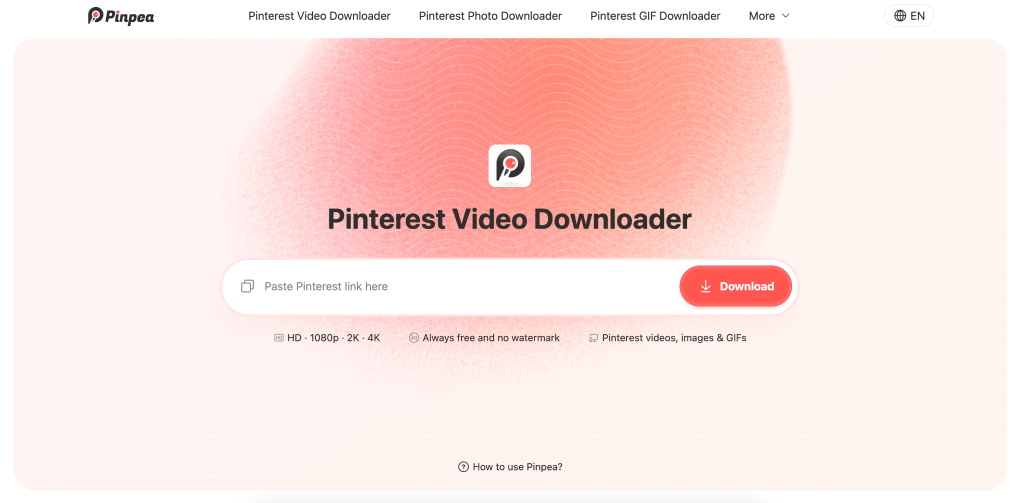
Pinpea is a web page rather than an app, so there’s nothing to install on your phone. You go in, paste the pin link, and download.
It asks for no email, no account, and sets no daily cap. Pinpea takes ordinary videos, animated GIFs (which come back as .gif rather than converted to video), multi-slide Idea Pins, and pins from any public board.
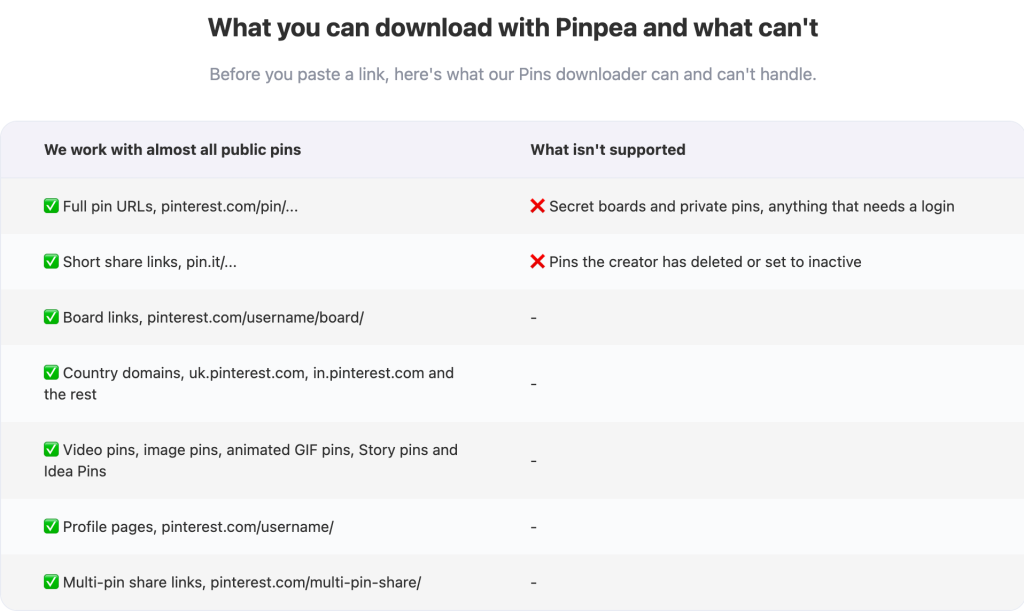
Its parsing is about as good as anything out there right now: there’s hardly a public Pinterest link Pinpea can’t read. It handles the long URL stuffed with numbers, the short pin.it link you get when sharing from the app, addresses with tracking parameters stuck on the end, and regional domains like es.pinterest.com or mx.pinterest.com. Nothing needs cleaning up before you paste it.
Paste a link that holds several images and a button appears to download the whole set at once. None of the other tools below do that: elsewhere you open each image and start the process over every time. On a twelve-photo carousel, that’s one download instead of twelve.
The interface is a text box and a button, with no intermediate steps and no screens that send you somewhere else before the download.
What Pinpea can’t reach: private pins, secret boards, anything behind a login, and pins the creator has already deleted. Those aren’t public, so there’s nothing for the tool to pull. It also won’t strip a watermark that’s embedded in the image or bring back quality Pinterest has already compressed, and no tool can do either of those.
Other Pinterest Downloaders That Work
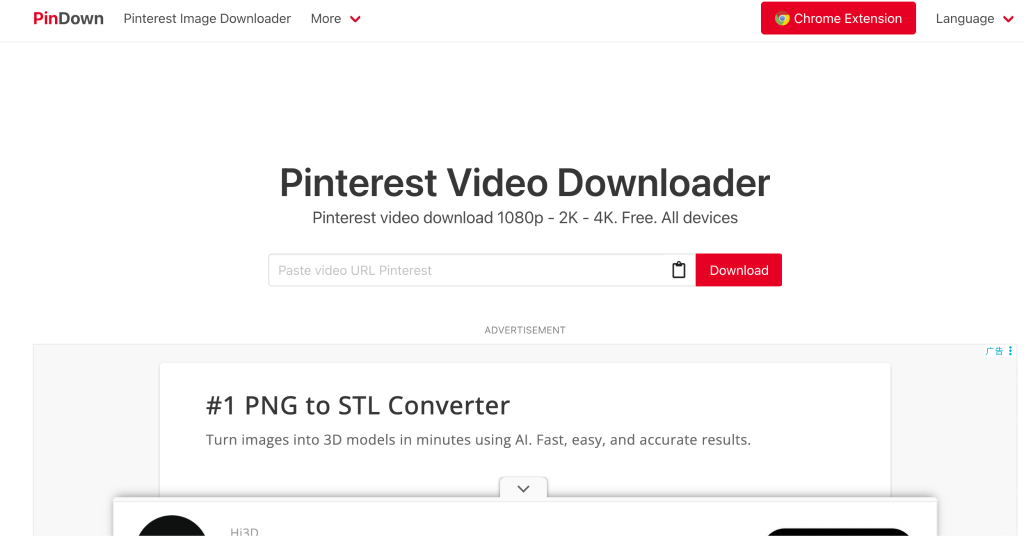
PinDown. Offers 1080p, 2K and 4K when the original pin has them. It’s funded by advertising, as its own page explains, so expect ads around the download button.
PinterestDownloader. Downloads videos, images and GIFs without a login. Minimal interface, no registration, though it won’t separate out the audio if that’s all you’re after.
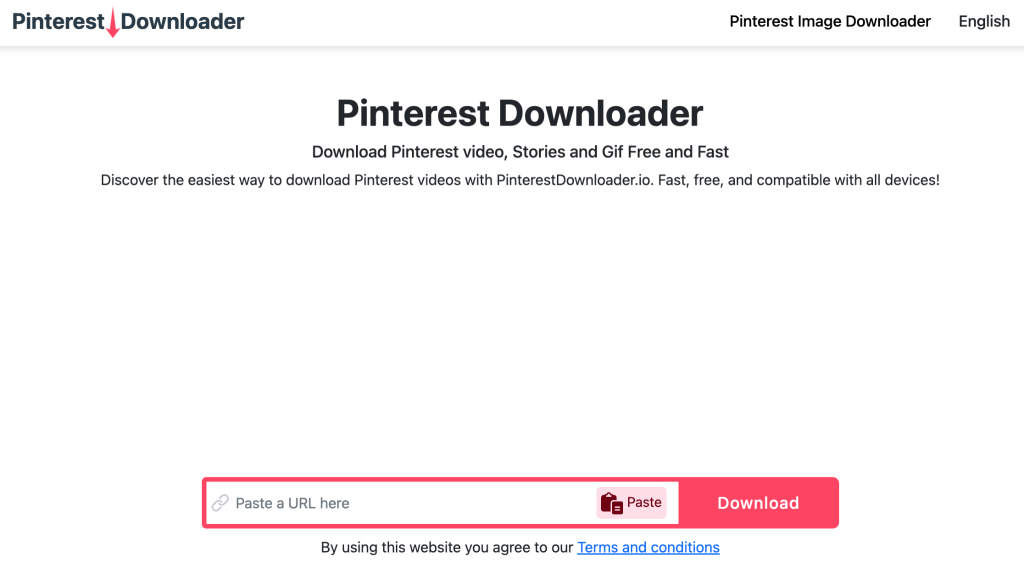
ExpertsPHP. One of the veterans of the category. The design stopped somewhere in 2015 and the page is loaded with ads, but it has run for years without changing domain and works as a fallback when another tool gets stuck on an old pin.

How to Download a Pinterest Video in Three Steps
With a native Pinterest video the whole thing takes less time than the page needs to load.
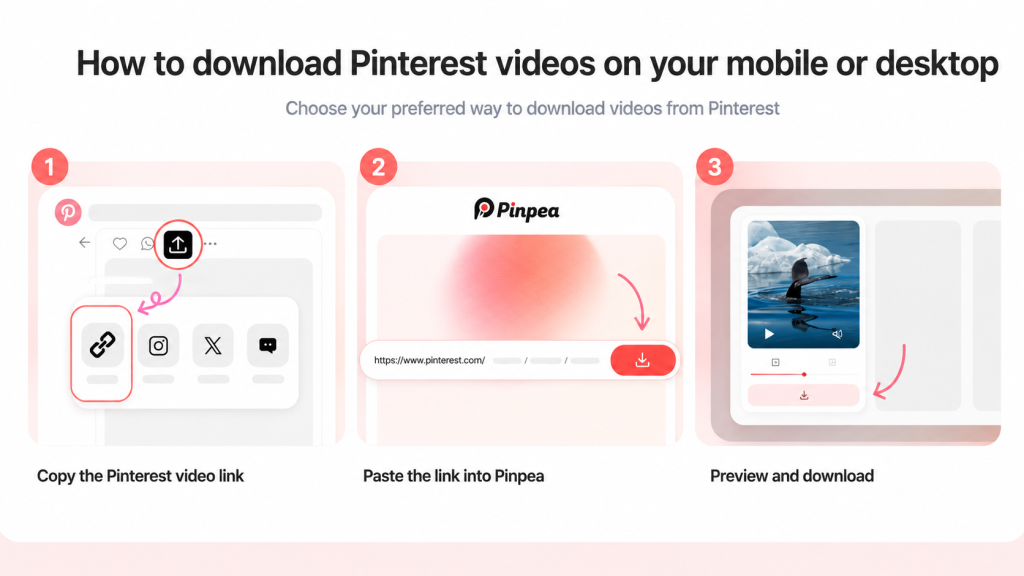
1. Copy the link. Open the pin, tap the share icon and pick “Copy link”. In a browser, copying whatever is in the address bar is enough. The link looks like this: pinterest.com/pin/ followed by a pile of numbers.
2. Paste it into the downloader. Drop the link in the field. Within a couple of seconds the file is processed and ready.
3. Preview and save. The video appears with the option to download it. Where it lands depends on your device, which is the next section.
It works the same from a phone browser as from a computer.
Where Pinterest Downloads Land on Android and iPhone
On Android the file goes straight to the downloads folder and shows up in the gallery without you doing anything.
On iPhone it depends on the browser. Safari sometimes saves the video into the Files app rather than Photos, and people assume the download failed when it’s actually sitting there. If that happens, open Files, look in Downloads, and move it to the gallery from there. Chrome on iOS behaves much the same.
What Quality You’ll Get
Pinterest compresses everything that gets uploaded. A video the creator shot in 1080p can end up at 720p after passing through their servers, and that compressed version is the only one available to download.
So the quality of the final file was decided by Pinterest, not by the tool. What you get is the best version the platform is holding.
Pinterest Download FAQ
Is it legal to download Pinterest videos?
Downloading a video to watch yourself, without publishing it or making money from it, harms nobody and nobody is going to come after you. Re-uploading it as your own or putting it in an ad is another matter: at that point you’re using copyrighted material and the creator can make a claim.
Does the creator know I downloaded their pin?
No. Pinterest doesn’t send them any notification and doesn’t log downloads in the pin’s stats. The save counter only moves if you save the pin to a board.
Can I download videos from a private board or a closed account?
No. These tools only reach what’s public. If the board is secret or the account is protected, the link returns nothing, even if you can see it while logged in.
Is there a download limit?
None. You can paste one link after another without registering and without being cut off after five.
Is Pinpea safe to use?
Pinpea doesn’t ask for your Pinterest password and doesn’t make you sign in, so your login details never pass through it. There’s nothing to install either: it all happens inside the browser and the file comes from Pinterest’s server. The only thing you hand over is a link that was already public.
Does it work for Pinterest Stories and Idea Pins?
Yes, as long as they’re public. Idea Pins with several slides usually download in parts, one for each segment of the pin.
In Short
Save what matters to you when you see it, not when you’re already hunting for it again. Copying the link and pasting it takes five seconds, and that file stays with you even if the pin disappears tomorrow.
The post How to Download Pinterest Videos Without a Watermark in Seconds appeared first on Vanguard News.